What Is Google Analytics?
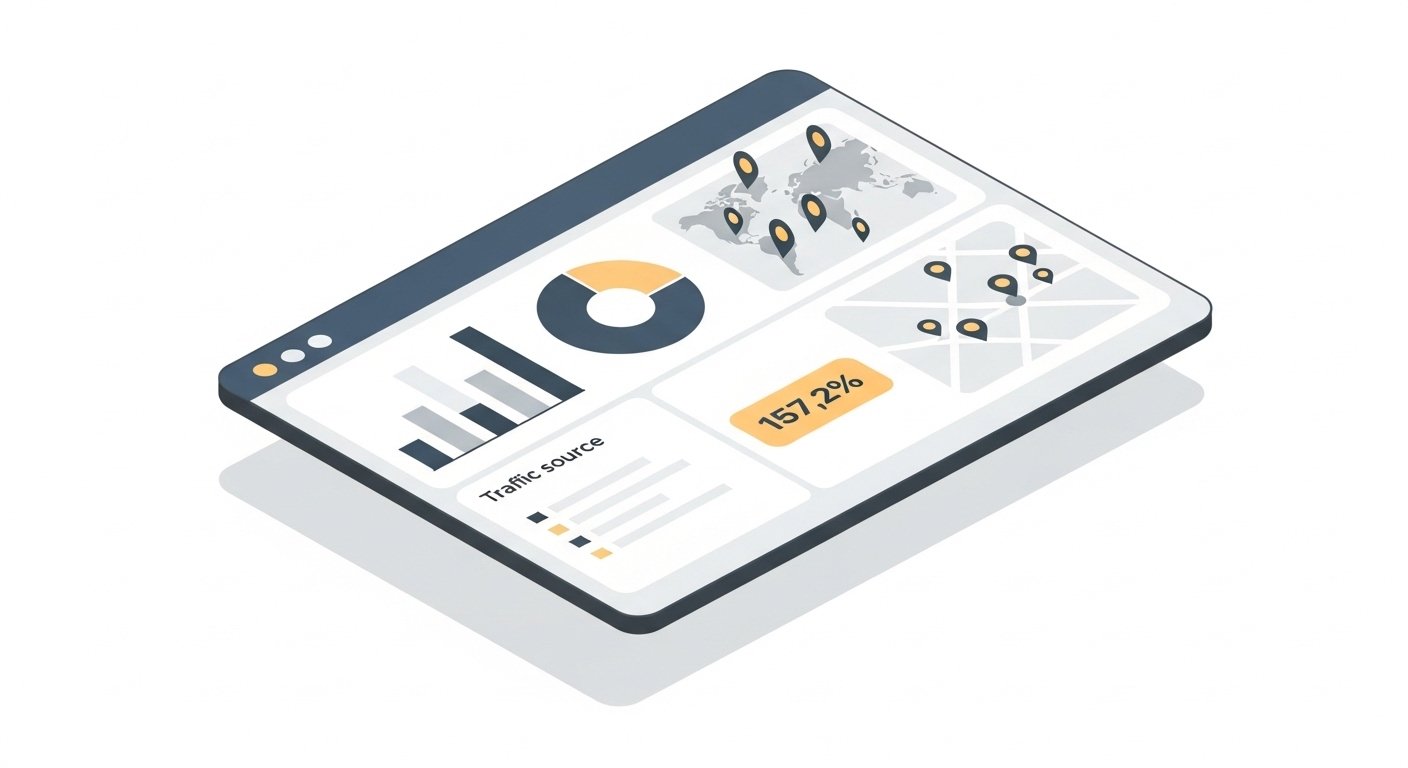
Google Analytics tracks information about the traffic to your website. It helps you determine how visitors find your site, which pages matter most to them, and how they interact with your content. It's free — and if you have a website and aren't using it, you're making decisions without the data you need.
What It Tracks
Google Analytics captures a wide range of visitor data. Some highlights of what you get:
- Demographics: Who your visitors are — age ranges, locations, device types.
- Time on site: How long visitors spend on your site overall and on individual pages.
- Most visited pages: Which content gets the most attention.
- Navigation paths: How visitors move through your site from page to page.
- Exit pages: Which pages visitors most commonly leave from — a signal worth investigating.
- Traffic sources: Where visitors came from — Google search, social media, direct, or referral links.
And that's just the start. Google Analytics is deep — but you don't need to understand all of it to get value from it.
Key Metrics to Pay Attention To
Unique Visitors (Users)
This represents the number of individual people who visited your site over a given time period — each person counted only once, regardless of how many times they visited. This is a cleaner measure of your actual audience size than total sessions or pageviews.
Pageviews
The total number of pages viewed across your site. A general measure of how much your site is being used. High pageviews combined with high pages-per-visit suggests visitors are engaging deeply with your content.
Pages Per Visit (Engagement)
How many pages does the average visitor view in a single session? A higher number suggests visitors are finding your content valuable enough to keep exploring. A very low number on a content-heavy site is a flag worth investigating.
Traffic Sources
Where are your visitors coming from? Organic search (Google), direct (typed your URL), social media, or referral (clicked a link on another site)? This report tells you which of your marketing channels is actually working.
Top Content
Which pages are most commonly viewed, and how are they used? This shows you what your audience finds most valuable — and where to invest more content effort.
GA4: The Current Version
Google Analytics 4 (GA4) is the current version of the platform, which replaced Universal Analytics in 2023. The interface and data model are different from the older version, but the core purpose is the same. If you're setting up Google Analytics today, you're setting up GA4.
How to Get Started
Setting up GA4 requires adding a tracking code to every page of your site — this is what allows Google to collect the data. You may need to contact your web designer to get this installed. On WordPress sites, the Google Site Kit plugin handles installation without manual code editing. One important note: analytics tracking starts from the day your account is set up. It cannot retrieve any previous visitor data, so the sooner you install it, the better.
Pair It with Google Search Console
GA4 tells you what happens on your site. Google Search Console tells you how people found it through Google — which search terms they used, which pages they landed on, and your average ranking position. Together, they give you the complete picture. Both are free and both should be set up for any business website.