What Tool Should I Use for Selections in Photoshop?
Selections are one of the most fundamental skills in Photoshop. Before you can edit, move, or apply effects to a specific part of an image, you need to select…
Photoshop tutorials for web designers and creative professionals — selections, color, shortcuts, optimization, and more.
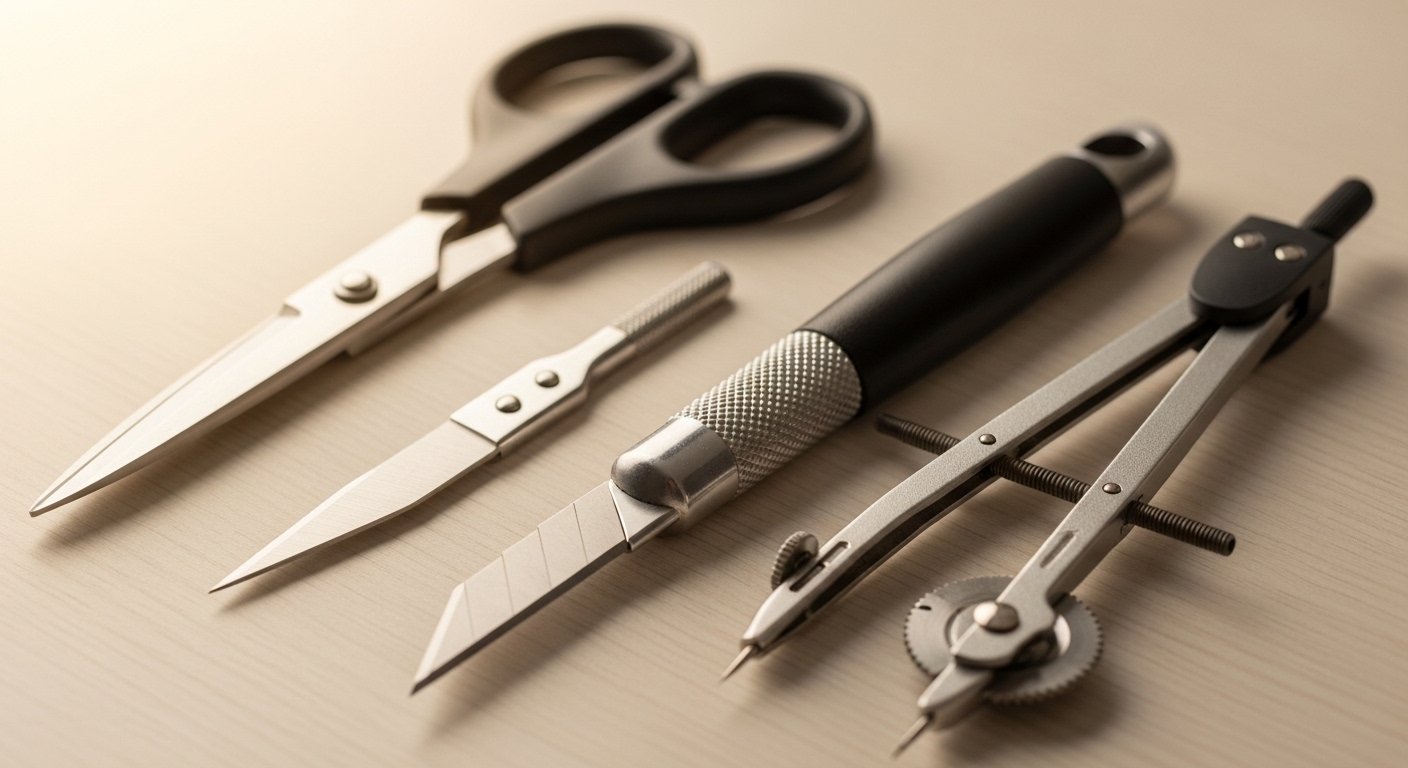
Selections are one of the most fundamental skills in Photoshop. Before you can edit, move, or apply effects to a specific part of an image, you need to select…

A duotone is an image made up of two colors instead of a full color palette. Originally a printing technique using two ink plates, duotones have become a…
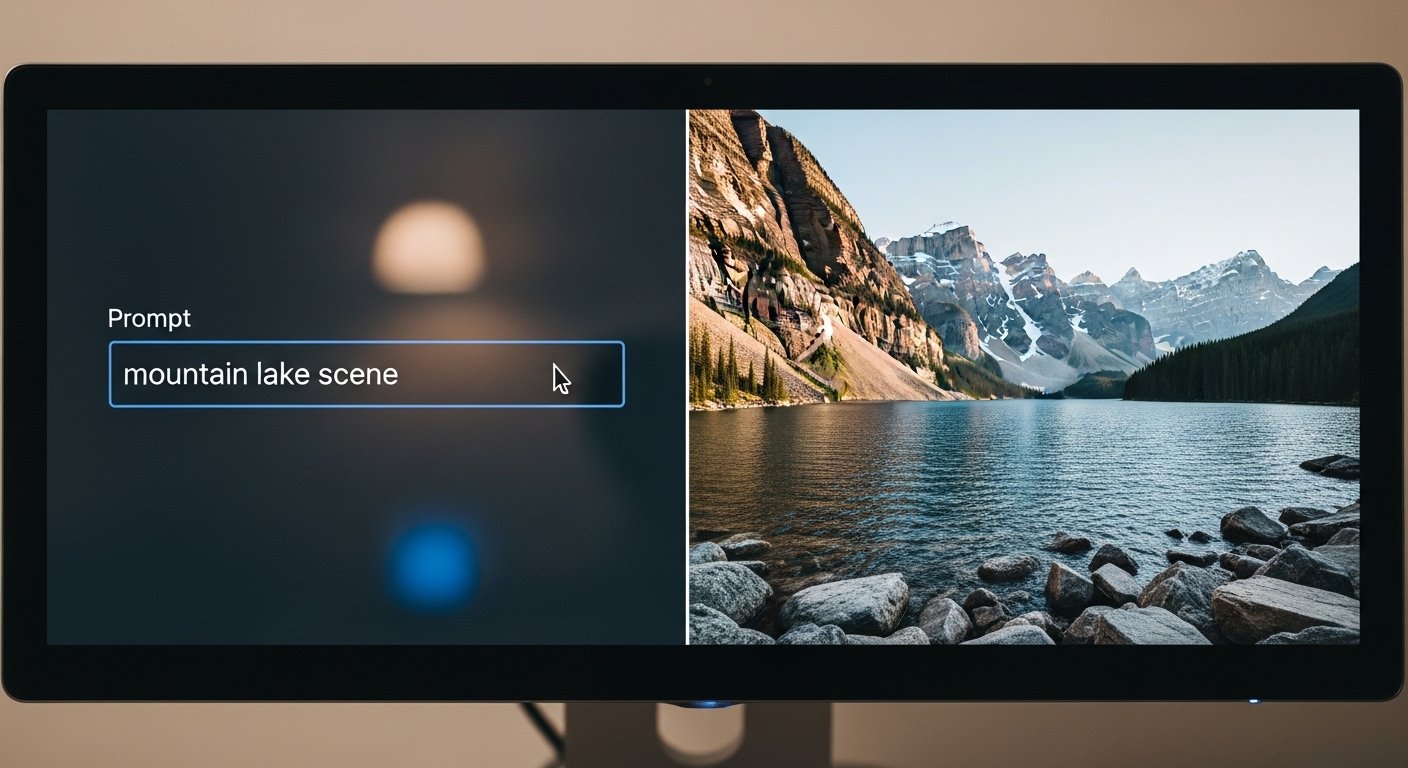
Photoshop has always evolved, but the pace of change accelerated dramatically with the introduction of AI-powered tools. Here are the features that have…
Color correction is one of the most common and most valuable Photoshop skills. Whether you're fixing an underexposed photo, correcting a color cast, or making…

Using keyboard shortcuts in Photoshop saves a lot of time. Below are my top 30 — the ones I use over and over. Learn these and you'll move through Photoshop…

Optimizing images before uploading them to your website is one of the simplest and highest-impact things you can do for your site's performance. Unoptimized…
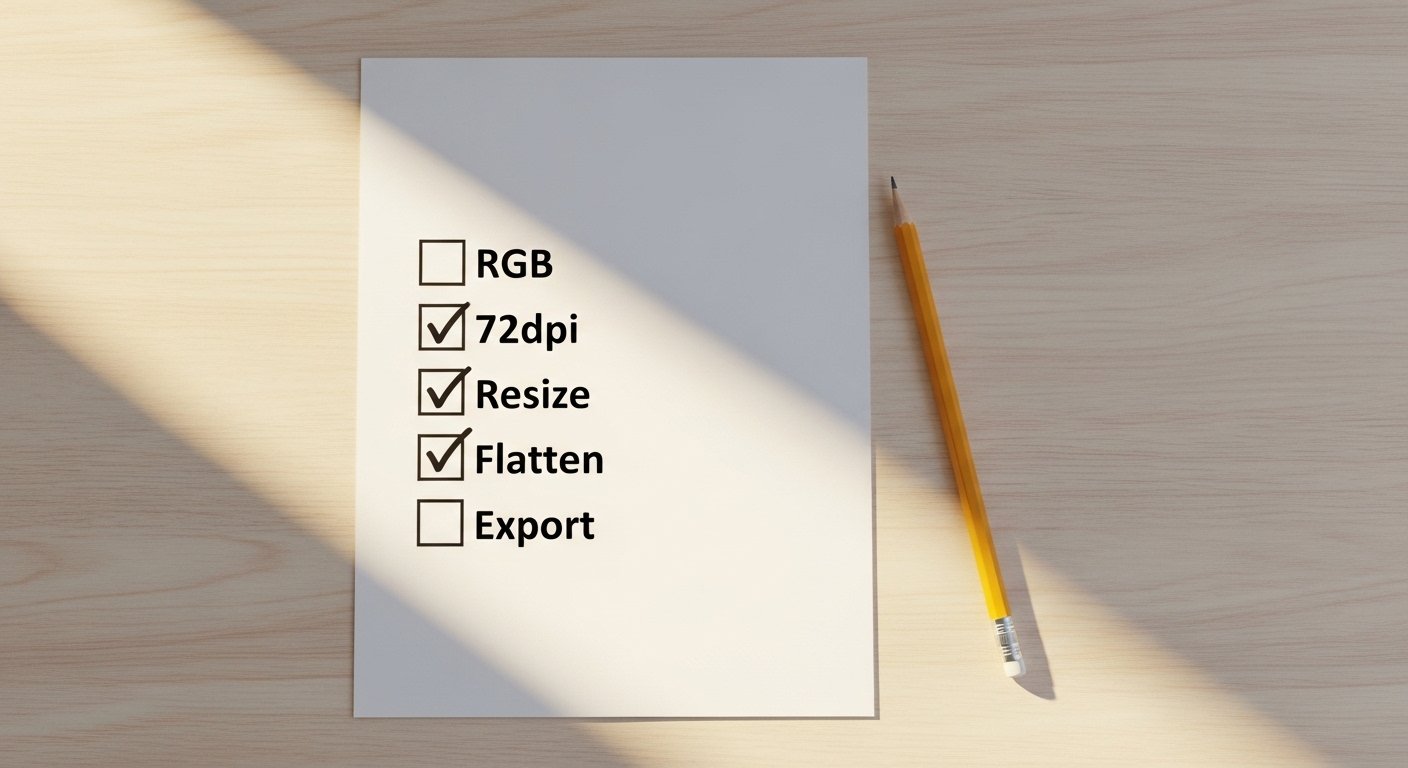
Preparing images for the web in Photoshop involves a handful of specific settings that are easy to get right once you know them. Here's the complete workflow…

Photoshop Actions are one of the most underused time-savers in the program. An Action is a recorded sequence of steps that you can replay on any image with a…

After years of training people in Photoshop, these are the tips I find myself returning to most often — the habits and techniques that separate people who…

"Web-able" means an image is properly prepared for use on a website — the right format, the right size, the right color mode, and compressed appropriately. An…