CSS Types: Tags, Classes, and IDs
WordPress is a great tool for building websites — one of its strengths is that you don't need to know code. But I've found it incredibly useful to know…
CSS tutorials for WordPress users and web designers — boxes, layouts, links, positioning, and more.
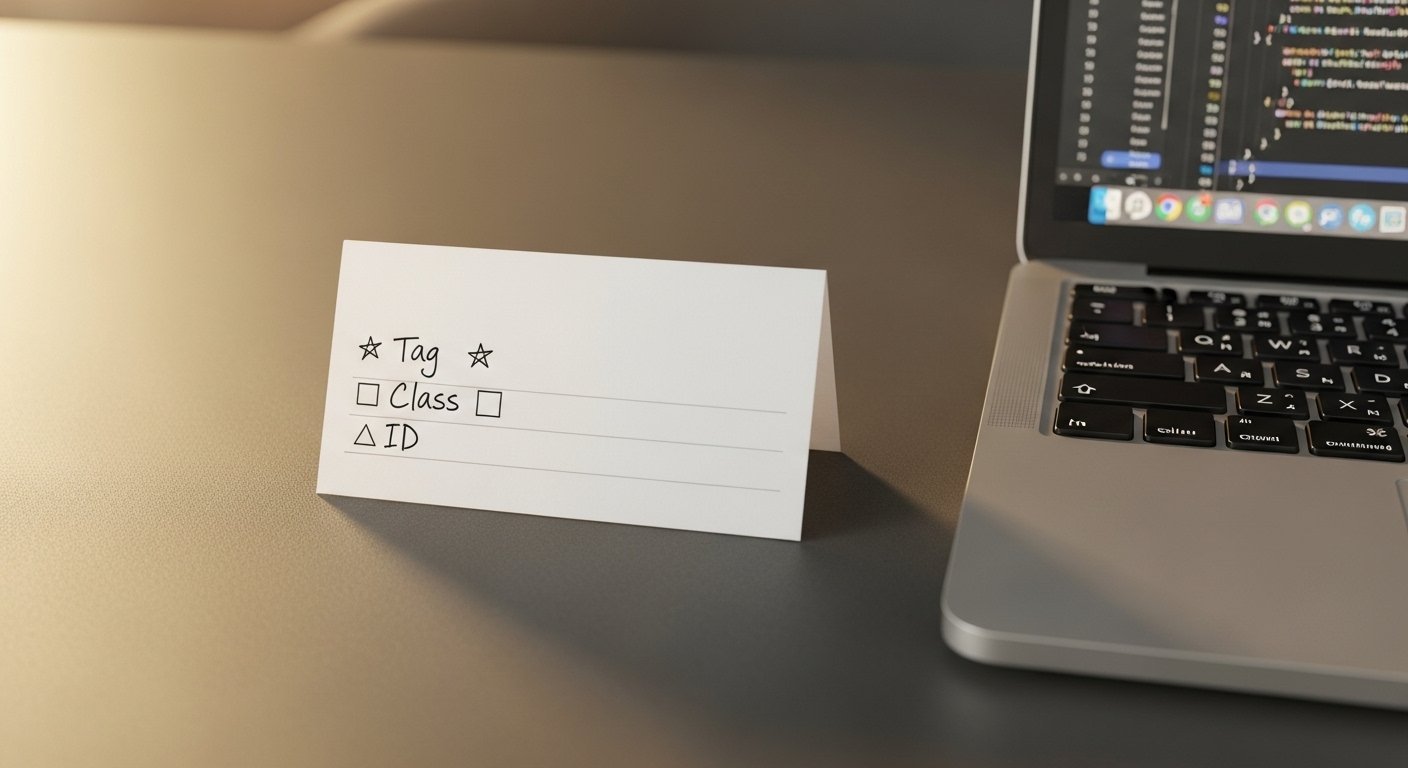
WordPress is a great tool for building websites — one of its strengths is that you don't need to know code. But I've found it incredibly useful to know…
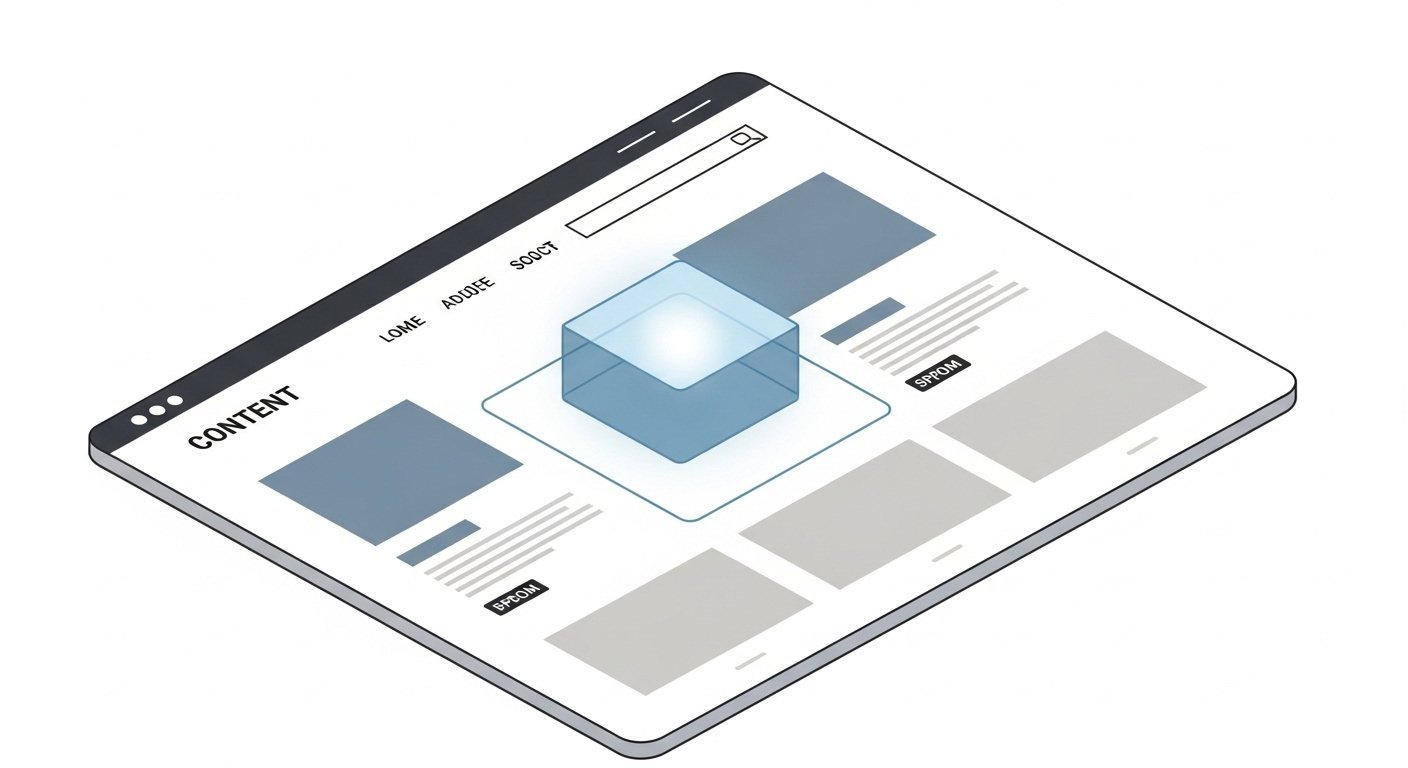
One of the beauties of CSS is being able to create a box — or container — of information. The placement of the box depends on its relationship with surrounding…

In the last post we covered creating a single box in CSS. Now let's expand that and talk about nested boxes — which is how you'll use boxes in an actual page…

In the last post we discussed seeing the boxes in a page layout. Now let's write the CSS to create those boxes. The beauty of CSS is the ability to place…

I was asked recently how to use CSS to format links on a web page. This is a foundational skill — CSS gives you complete control over how links look in every…

For a long time, absolute and relative positioning confused me — and honestly, it still trips me up occasionally. But the more I work with it, the more it…

We've covered adding background images to web pages — both as a full-page background and as backgrounds for boxes within the page. In this post, let's look at…
Background images add a lot of visual interest to a website. Not only can we have a background image for the entire page, but each box (container) can have its…