Do-It-Yourself Websites: What You Need to Know
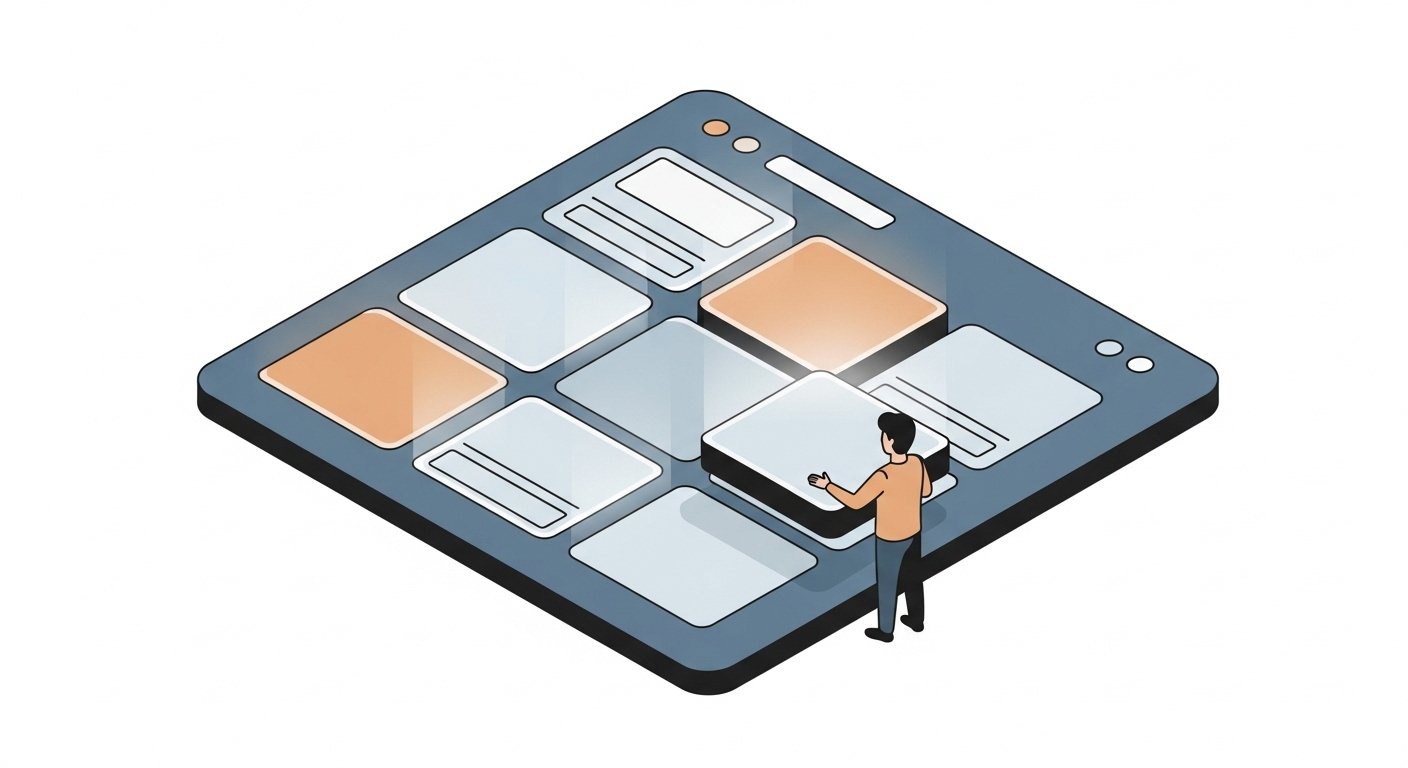
There are more and more options available for creating your own website. As someone who runs a web design business, I have mixed feelings about this — but I tend to think the world is big enough for all kinds of opportunities. It's genuinely exciting how much technology has advanced. It used to be you needed to know HTML, CSS, PHP, MySQL, and a host of other acronyms just to get a site up. Although knowing those things is still a real advantage, it's now entirely possible to build a professional site without all that technical knowledge.
For those of you who are do-it-yourselfers, up for a challenge, and okay with some trial and error — here's an honest look at your options and when DIY actually makes sense.
When DIY Makes Sense
A DIY website works well when: your needs are straightforward (a few pages, basic contact form, no complex functionality), your budget is tight and your time is not, you're comfortable learning new tools, and you don't need deep customization or unique design.
When to Hire a Designer
A professional designer makes sense when: you have complex functionality needs (ecommerce, booking systems, databases), your brand requires a distinctive look that templates can't achieve, you want a site that stands out in a competitive market, or you simply don't have the time or patience to learn the tools.
The Main DIY Options
WordPress.com (Hosted)
The easiest WordPress entry point. Everything is managed for you — hosting, security, updates. Limited customization on free/lower plans, but capable enough for most small business sites. Good starting point if you want WordPress without the technical overhead.
WordPress.org (Self-Hosted)
The most flexible option. You own everything, can customize anything, and have access to thousands of themes and plugins. Requires a hosting account and slightly more technical comfort. This is what most professional designers use and what I recommend for businesses that want long-term flexibility.
Squarespace
Beautiful templates, drag-and-drop editing, hosting included. Great for creatives, photographers, and service businesses that prioritize aesthetics. Less flexible than WordPress but much easier to get started.
Wix
Very beginner-friendly with a visual drag-and-drop editor. Good for simple sites. Less SEO-optimized than WordPress out of the box, and harder to migrate away from if you outgrow it.
Showit
Popular with photographers and designers who want full visual control. Works alongside WordPress for blog functionality. Excellent design flexibility.
What to Watch Out For
Whichever platform you choose: invest time in SEO setup from the start (page titles, descriptions, keywords), use a professional email address (not @gmail), ensure your site looks good on mobile before launching, and don't skip the privacy policy and terms pages if you're collecting any user data.