5 Things to Ask Your Web Designer for a Photography Website
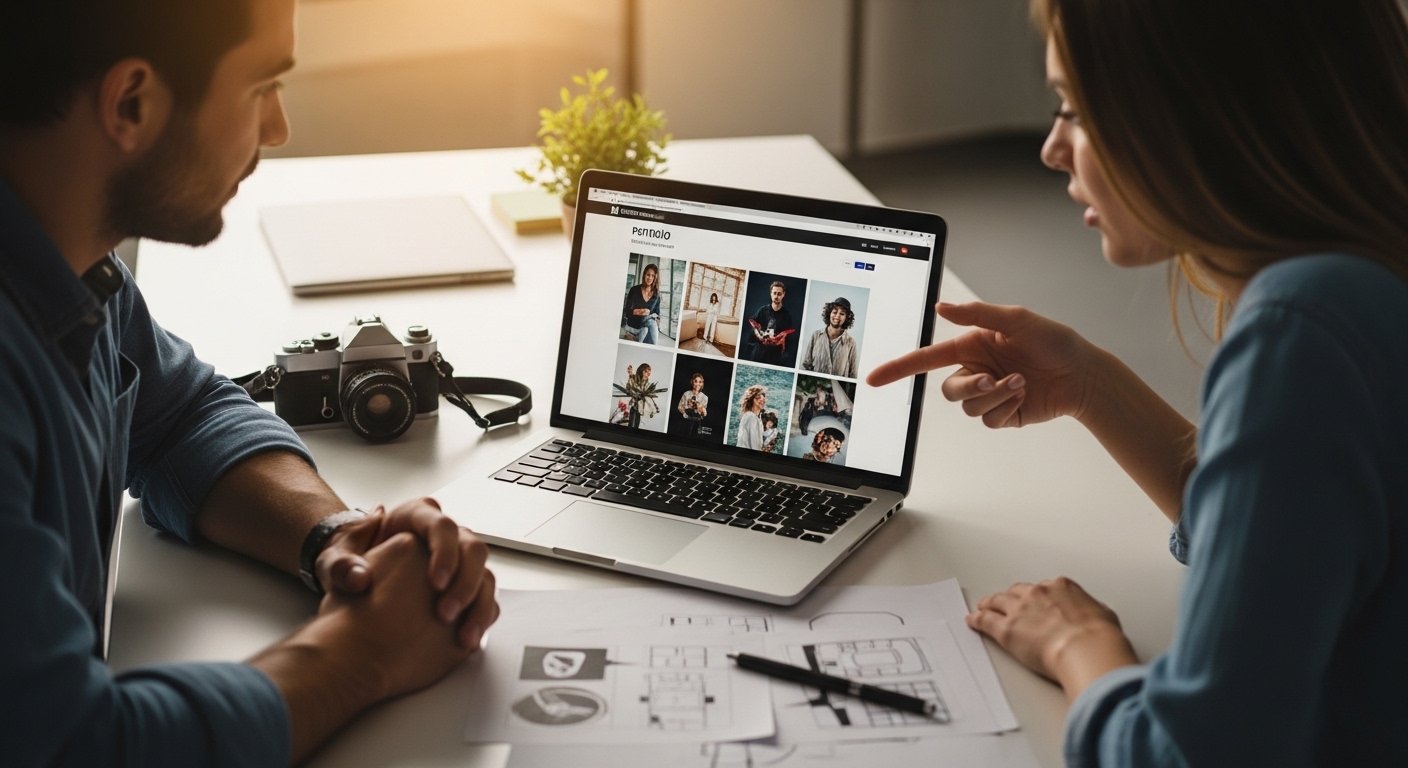
You're ready for your photography website. What do you need to know — and what should you ask your web designer? Here are five questions that will make sure your photography site is built right from the start. WordPress has become a very common platform for photography sites, so I'll note how it addresses each of these as well.
1. Is This a Custom Site or a Template?
You want your site to stand out from the thousands of other photography sites online. One of the most effective ways to do that is a customized design. A customized site means everything — the layout, fonts, colors, image presentation — is tailored to you. Work with your web designer on this. A good process typically involves seeing 3–4 design directions, then mixing and matching the elements you like until you arrive at something that truly represents your work. If your designer is using WordPress, this means customizing a theme or building one from scratch. Expect 3–4 design iterations before the final version feels right, and make sure your designer is willing to work through those iterations with you.
2. How Do You Handle Image Quality vs. Download Speed?
You're a photographer — image quality is non-negotiable. But large image files slow down pages, and slow pages lose visitors. This tension needs to be addressed deliberately. Key factors your designer should manage:
- Thumbnails: Give viewers a quick preview before committing to loading a larger image.
- Resolution: Web images should be 72–96 dpi. Higher resolution adds file size without any visible benefit on screen.
- Image dimensions: Size images to fit the display area — no larger. A full-screen hero image and a gallery thumbnail need different dimensions.
- File format: JPEG for photos (retains color, controllable compression), PNG only for images requiring transparency, WebP for modern browsers (best file size to quality ratio). Avoid GIF for photos — it reduces color depth and causes banding.
If your site is built on WordPress, many of these steps are handled automatically on upload — WordPress generates multiple image sizes immediately, optimizing for different uses. Make sure your designer is configuring this correctly.
3. What Are the Project Fees and Ongoing Costs?
Know both the initial investment and the ongoing costs before you commit. Domain name registration and web hosting are ongoing — they don't end at launch. Neither does SEO. Ask your designer to give you a project bid rather than hourly billing, and make sure the proposal clearly states what's included — specifically how many pages and images are covered. A good proposal offers tiered options so you can choose the scope that fits your budget.
See What Does a Website Cost? and Ongoing Website Costs for a full breakdown.
4. How Do You Handle SEO?
SEO is increasingly important and has become a specialty of its own. Your designer may not handle deep SEO work — but they should at minimum ensure your site is built with SEO best practices: proper page titles, meta descriptions, and keyword placement on every page. You'll need to provide the keywords and descriptions, since you know your industry better than your designer does. If your site is on WordPress, make sure effective SEO plugins (like Yoast or Rank Math) are installed and actually configured for each page — ask your designer to show you.
See the full SEO section for guidance on what good SEO looks like for a photography site.
5. Will I Have My Own Domain Name?
This is non-negotiable. Your primary website must be at your own domain (www.yourname.com) — not a subdomain of another service (yourname.otherdomain.com) or a subdirectory. Your own domain name is essential for your professional credibility and for SEO. Having photos in galleries on other platforms is fine, but for your primary web presence, you own the domain.