Intro to WordPress Course
Welcome!
I am so excited that you have chosen to join me in this Intro to WordPress Course! Your time is valuable. My goal is that this course is easy to follow, easy to understand, and easy to apply. If you come across any difficulty, don't hesitate to contact me.
Course Menu
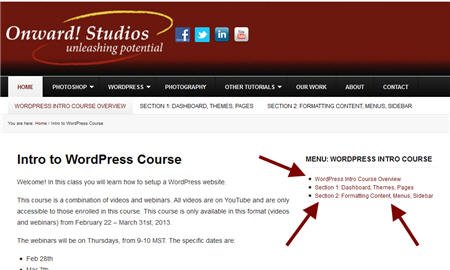
This class is divided into three sections. To navigate through the material, use the course section links below or the sidebar navigation.
Full Screen Viewing
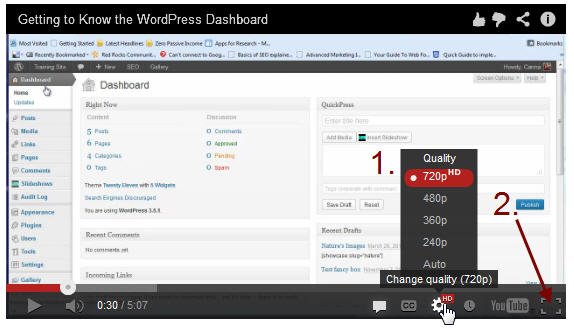
This is not a video — this is an image showing how to change your settings.
If you want to preview the videos at full screen or at a higher quality, follow these steps. First, click on the gear icon to change the quality to 720 (HD), assuming you have a good internet connection. Then, to see it full screen, click on the full screen icon at the bottom right of the video player.
Got Questions? Get Answers!
Remember, this course is about keeping you unstuck and moving forward. If you have questions as you go through the material, email me your question and I will respond as soon as possible.
Hands-on Training
I am a fan of hands-on training! Over the years as I've instructed hundreds of students in a variety of venues, hands-on training is by far the most effective type of training. So, instead of just watching and listening to these videos, I really encourage you to get a web hosting account where you can practice these steps. If you already have a web hosting account, that's great! If you need a web hosting account or just want a WordPress practice area, I cover your options in the course.