Section 2: Formatting Content & Customizing Menus
Congratulations on getting your WordPress site up and running. By now, you have selected and customized a WordPress theme and have added pages to your website. You are ready to learn more about formatting the content on your site, adding content to your sidebar, and setting up customized menus.
If you are setting up a non-blogging website, be sure to check out the bonus material below. Or, if you want to know more about how to make your images web-ready, check out the in-depth Photoshop video in the bonus section.
Section 2 Topics
How to Format Content (7:05)
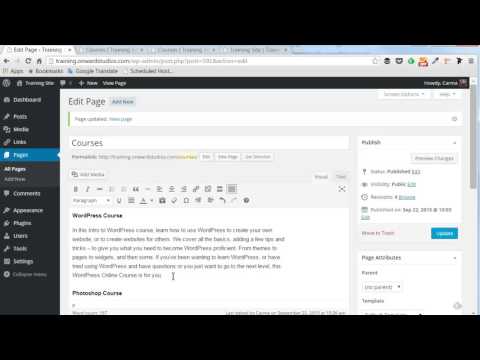
This video shows how to format content on a web page or a blog post using the Visual Editor inside WordPress. It includes tips on how to keep your content consistent from page to page and how to make your content SEO friendly. It shows how to add headings and subheadings and how to place images. This video also explains the limitations on arranging content on a web page (unless you know CSS) and how to work within those limitations.
More Tips on How to Format Content (5:56)
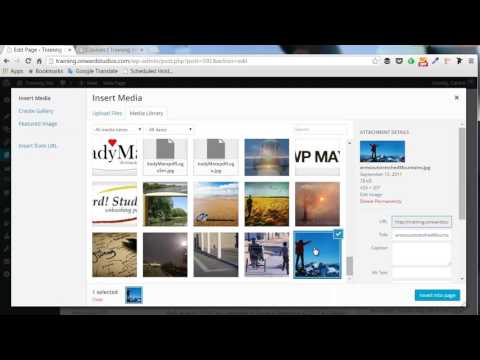
This video covers even more tips and techniques on formatting content inside WordPress. We go through each of the icons at the top of the visual editor, including the kitchen sink! We also discuss adding links and show you how to see and edit the HTML code, should you ever need to.
How to Add Content to Your Sidebar (6:10)
This video shows you what you need to know to add content to your sidebar. In the WordPress world, this is done by using widgets. Learn how to add widgets, edit widgets, and remove widgets from your sidebar. Also, see how you can save a widget without losing any of its settings. We also discuss how widgets can be used in footers.
How to Manage Your Widgets (5:02)
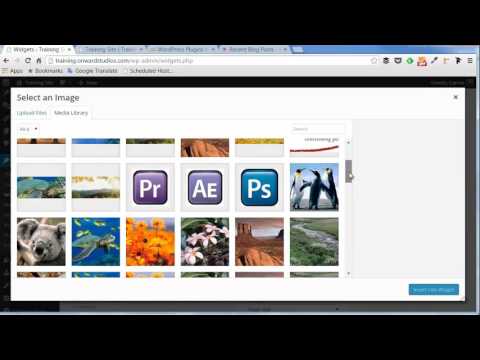
This video demonstrates how to add content to different widget areas of your website — in the sidebar, in the footer, or in other areas designated by your selected theme. We also look at how to manage widgets using the Customizer.
Customize Menus (6:43)
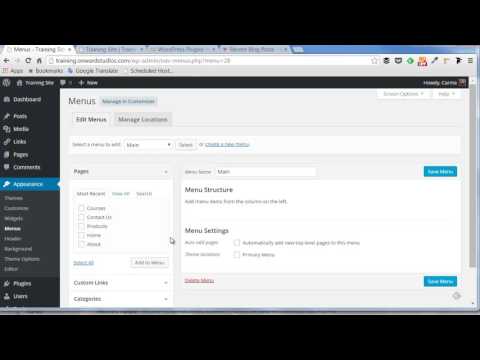
Learn how to add customized menus in WordPress. This video shows you how to set up a new customized menu and activate it on your site. It includes setting up drop-down menus as well.
Bonus Material
Make Your Images Web-Ready (29:55)
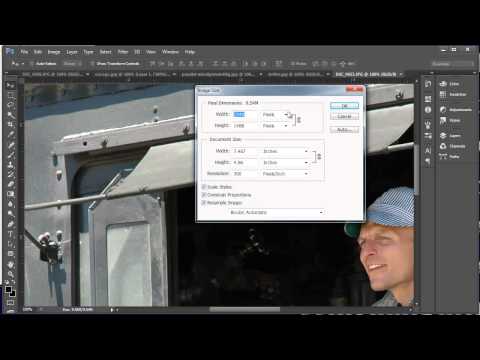
This video is an in-depth look at making your images web-ready in Photoshop, but is applicable to any image-editing program. You will learn about image size, image resolution, and file format.
Settings for a Static (Non-Blog) Website (3:14)
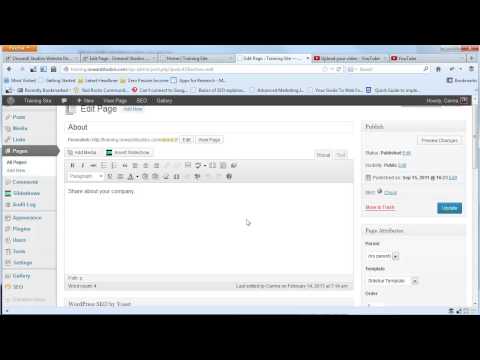
This video covers the steps to take if you are creating a website without a blog. It shows you how to turn off comments and how to set up a static front page.