Section 3: Settings, Plugins & SEO
You are getting very close to being "finished" with your website — although one is never really done with a website. Let's say you are nearly done with completing this phase. You really don't ever want to be done with your website, as a static, non-changing website doesn't serve you well. Search engines, not to mention the general public, like dynamic, changing, up-to-date websites. But that's another topic.
In this section we're going to spend time on some behind-the-scenes setting options and plugins to make your site better — more secure, better performance, and more. We will also cover the steps needed to add a blog to your website.
Section 3 Topics
The Optimal Settings for Your WordPress Site (6:17)
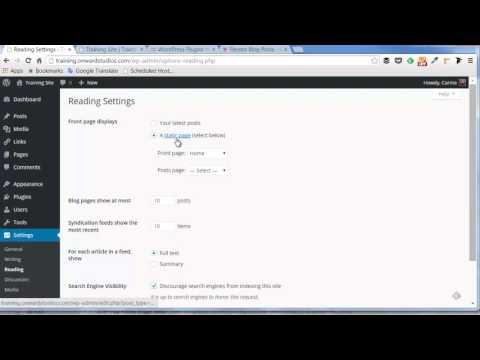
Discover the settings you need to know about within the Settings options of the WordPress dashboard. Understand how each setting affects your website and the optimal settings for your website.
Set Up Your Site for Blogging (6:30)
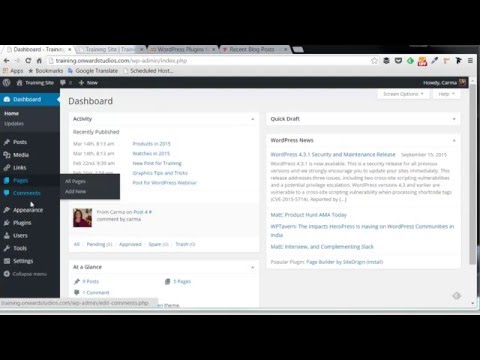
Learn the steps you need to know to set up your WordPress website for blogging. We cover two options: how to set up a site so your most recent posts show up on the home page, and how to set up a dedicated page on your website that shows your most recent blog posts. You'll also learn how to add blog posts and organize them using categories.
Finding and Installing Plugins (6:50)
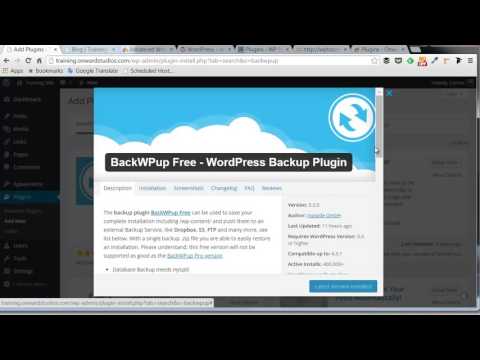
Learn how to find and install WordPress plugins from within WordPress as well as from the internet. We'll also review how to best search for WordPress plugins online.
Recommended Plugins (6:54)
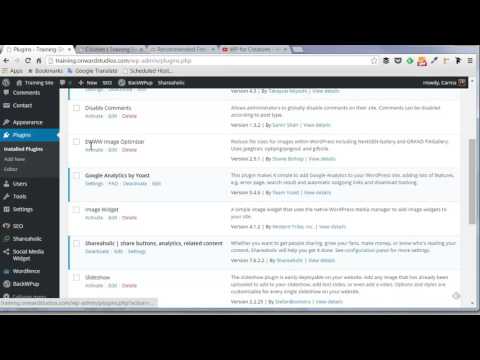
One of the most asked questions about WordPress pertains to which plugins to use. This video goes through a list of recommended plugins as well as the most basic and recommended uses for each.
How to Help Search Engines Find Your Website (6:59)
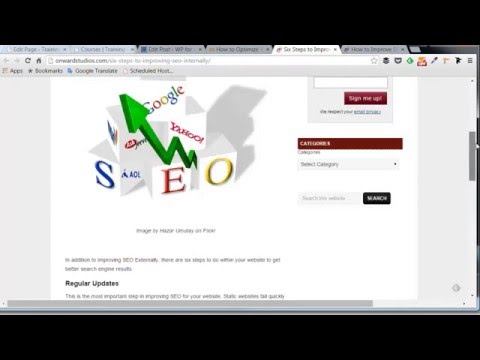
This video explains how to make your WordPress site optimized for search engines — also known as SEO. Learn about the most recommended steps to make your site search-engine friendly. This includes more than just settings on your website!
Bonus Material
Top 10 Plugins (PDF)
My top 10 must-have plugins, ranging from anti-spam to slideshows to website speed. Most were covered in the video above, with a few extras — including my favorite social media plugin.
Top 10 Must Have Plugins →
Set Up Category Pages (5:38)
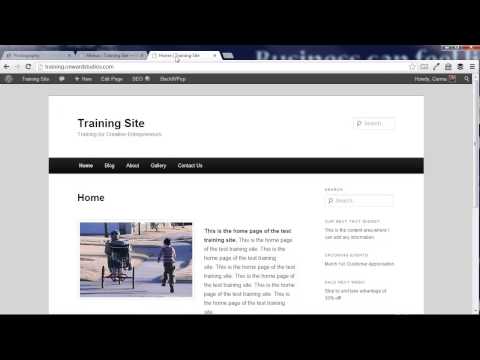
If you are running a blog site, you'll want to watch this! Find out how to set up an option for your visitors to easily pull up all your posts for a category or topic. This video shows two different ways to easily add category pages to your website.
How to Find Images for Your Blog Post (5:39)
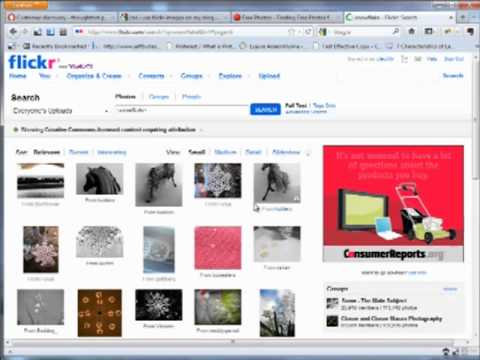
Need to find an image for your website or blog post? Watch this video to learn how to use Flickr to find images that enhance your content, and find out about additional stock photo options.