SEO Tips for Images
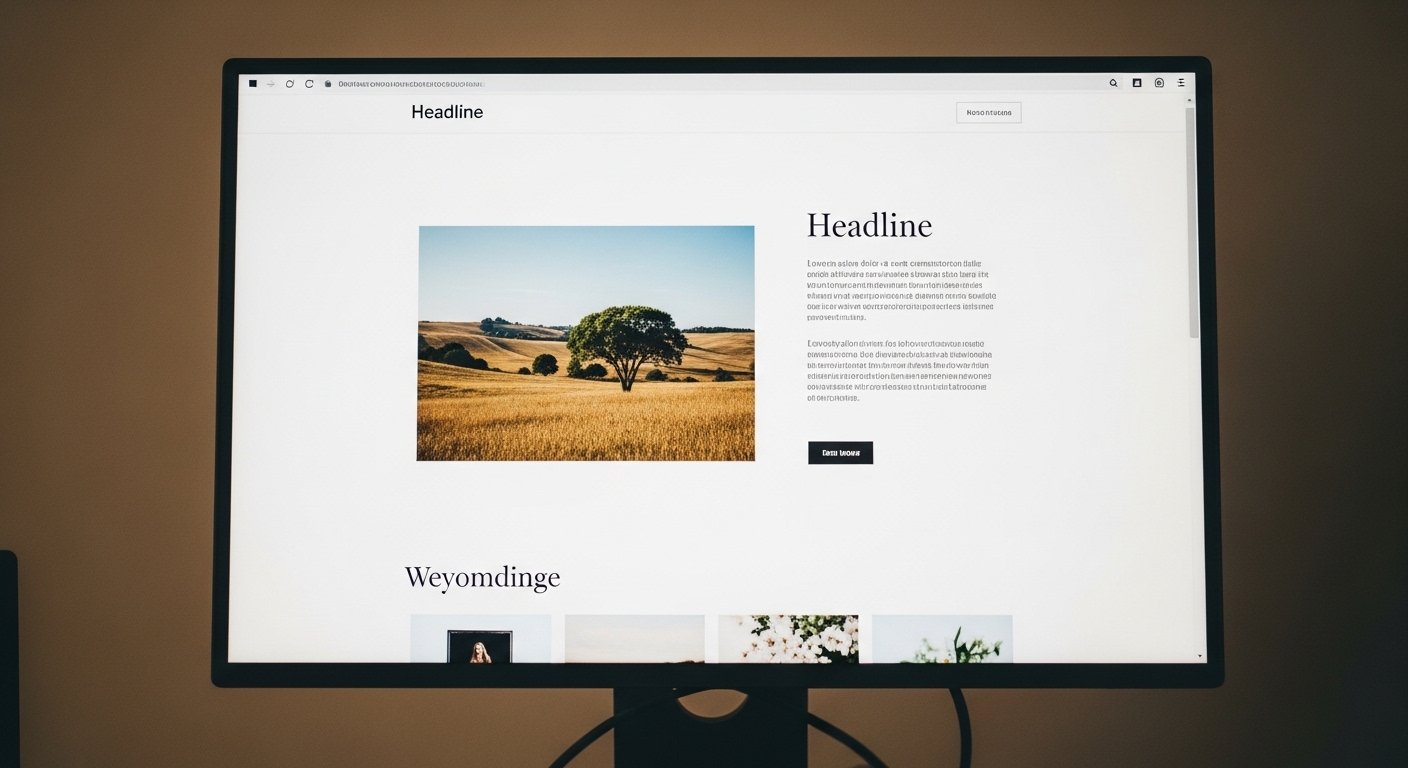
Not only is text important when it comes to SEO — the code around your images affects search engine results too. If you're not optimizing your images for search engines, you're likely missing out on significant traffic. Here are the key steps to get images working for you.
Use Keywords in the File Name
Just as keywords matter in a domain name or post URL, they matter in image file names too. sandiego-beach.jpg will get far better search engine results than IMG00010-20100918-1543.jpg. Instead of using the default name from your camera or a stock photo site, rename the file to something meaningful before uploading it to your web server.
Use Hyphens — Not Underscores — in File Names
Separate keywords in file names with hyphens, not underscores. sandiego-beach.jpg gives better results than sandiego_beach.jpg. Studies have shown Google treats hyphens as word separators, while underscores join words together — meaning sandiego_beach reads as one word to Google, not two.
Always Write Descriptive Alt Text
Search engines can't "read" images — they rely on the text we assign to them. Alt text is one of the most important ways to do that. It's a short description of what the image shows. In WordPress, you're prompted for alt text when inserting an image into a post or page. Use keywords naturally within the alt text, and add a caption when it genuinely adds context. The alt text, file name, and caption all work together to reinforce the content around the image.
Example: Instead of alt="image", write alt="web designer working on small business website in Portland".
Make Sure Content Matches Your Images
The text surrounding an image should be relevant to that image. Search engines look at the context around an image — the nearby headings, body text, alt text, and caption — to understand what the image shows. Mismatched content (an image of a beach on a page about accounting software, for instance) is a missed SEO opportunity at best.
Place Images on SEO-Optimized Pages
Images get better search engine results when they're on pages that are already optimized for search. An image on a well-structured, keyword-rich page performs better than the same image on a thin or poorly optimized page. Good on-page SEO lifts everything on the page — including your images.
Compress Your Images
Large image files slow down your page load time, which is a Google ranking factor. Compress images before uploading — you can do this without any visible loss of quality. Free tools worth bookmarking:
- Squoosh — browser-based, very powerful
- TinyPNG — quick drag-and-drop compression
- ImageOptim — Mac app for batch compression
Use the Right File Format
Use WebP format where possible — it's smaller than JPEG or PNG at comparable quality, and all modern browsers support it. For photos, JPEG remains the traditional standard. For graphics with transparency, use PNG. SVG is best for logos and icons since it scales to any size without quality loss.